
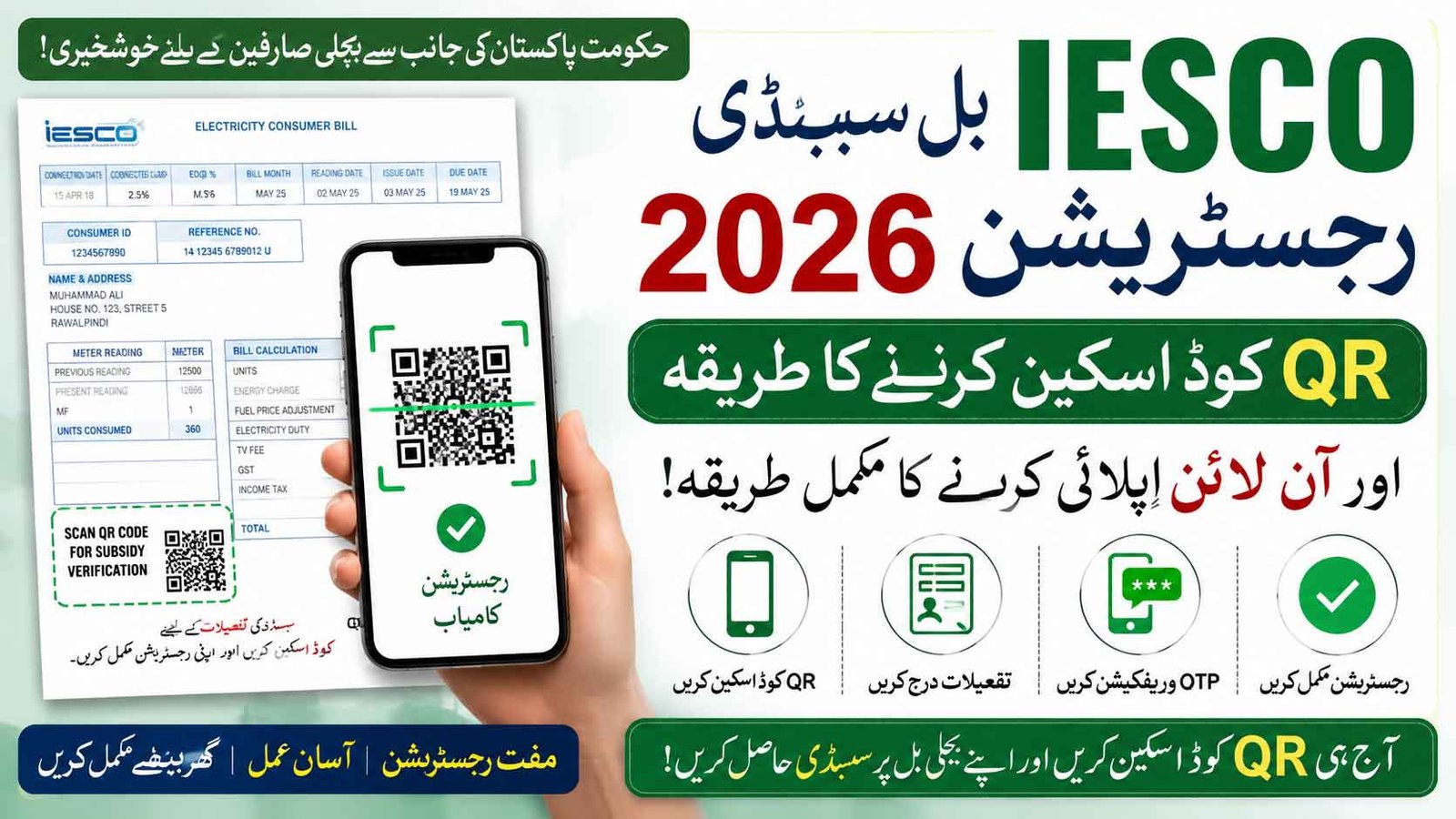
IESCO Bill Subsidy Registration 2026 How to Scan QR Code & Apply Online Guide. Electricity bills continue to create financial pressure for many households in Pakistan. To help deserving families, the Government of Pakistan has introduced a digital subsidy verification system through QR codes printed on electricity bills. IESCO consumers can now complete subsidy registration online by scanning the QR code available on their latest electricity bill. The system is connected with the official PITC Cross Subsidy Program portal.
IESCO Bill Subsidy Registration 2026 How to Scan QR Code & Apply Online
IESCO Bill Subsidy Registration 2026 through QR code scanning is a simple online process introduced to help deserving consumers continue receiving electricity relief. By scanning the QR code, verifying consumer details, and completing OTP confirmation, users can register from home quickly and securely. Always use the official PITC verification system and complete registration carefully.
IESCO Bill Subsidy Online Apply
| Detail | Information |
|---|---|
| Scheme Name | IESCO Bill Subsidy Registration 2026 |
| Registration Type | Online QR Code Verification |
| Electricity Company | IESCO |
| Verification Method | QR Code Scan + OTP |
| Portal | PITC Cross Subsidy Portal |
| Fee | Free |
| Main Benefit | Electricity Bill Subsidy Relief |
| Eligible Users | Low-income & protected consumers |
What Is IESCO Bill Subsidy Registration 2026?
IESCO Bill Subsidy Registration is part of the government’s electricity subsidy verification system. Consumers receiving or applying for electricity relief must verify their details using the QR code printed on their monthly bill. This helps ensure that subsidies reach deserving households only and reduces misuse of relief programs.
PITC Subsidy Portal QR Code Scanner App
Why Has QR Code Verification Been Introduced?
The government launched QR verification to improve transparency and make the process easier for electricity consumers.
Main Objectives
- Fast online verification
- Reduced fraud and fake registrations
- Direct subsidy delivery
- Mobile-friendly registration
- Better consumer record validation
Officials have advised eligible consumers to complete registration early to avoid interruption in subsidy benefits.
How to Scan QR Code for IESCO Bill Subsidy Registration
The registration process is simple and can be completed from home using a smartphone.
Step 1 – Find QR Code on Your IESCO Bill
Open your latest IESCO electricity bill.
Look carefully near:
- Bill details section
- Reference number area
- Subsidy information section
The bill contains a QR code connected with the subsidy verification portal.
Step 2 – Open Mobile Camera
Use:
- Phone camera
- Google Lens
- QR Scanner app
Point your mobile toward the QR code.
After a few seconds, a secure link will appear. Tap the link to continue.
Step 3 – Open PITC Subsidy Portal
After scanning, the system redirects users to the official subsidy portal linked with PITC.
The official registration page is available through the PITC Cross Subsidy system.
Information Required For IESCO Registration
Before applying, keep the following information ready:
- Electricity Bill Reference Number
- Customer ID
- CNIC Number
- Mobile Number
- Consumer Details
Having correct information helps avoid verification delays.
OTP Verification Process
Once details are entered:
- Submit consumer information
- Receive OTP on mobile number
- Enter OTP code
- Complete verification
OTP confirmation is necessary for successful registration.
Who Can Apply For IESCO Bill Subsidy?
Eligibility usually depends on government criteria and electricity consumption records.
Potential eligible groups may include:
- Domestic electricity consumers
- Protected consumers
- Low-income families
- Limited electricity usage households
- Verified deserving users
Final approval depends on official PITC system verification.
What If QR Code Is Not Working?
Sometimes consumers face scanning problems.
Possible Solutions
- Clean bill surface
- Increase mobile brightness
- Use Google Lens
- Try another QR scanner app
- Enter reference number manually if available
If issues continue, contact IESCO support or use official portal verification options.
Important Safety Tips
While applying online:
- Use only official PITC portal
- Never share OTP with anyone
- Avoid agents demanding money
- Check website authenticity before entering data
- Keep personal information secure
Government registration is free.
Frequently Asked Questions
Is IESCO Bill Subsidy Registration free?
Yes, registration through the official portal is free.
Can I register without scanning QR code?
If QR scanning fails, some users may use the bill reference number through official verification options.
Is a mobile phone necessary?
Yes, smartphone access helps complete QR scan and OTP verification.
What happens if I do not verify?
Consumers may face subsidy interruption if verification requirements are not completed.